Pixel Recents Menu Update Makes Image Selection Harder
Published: 14 Mar 2026
By: MPG News
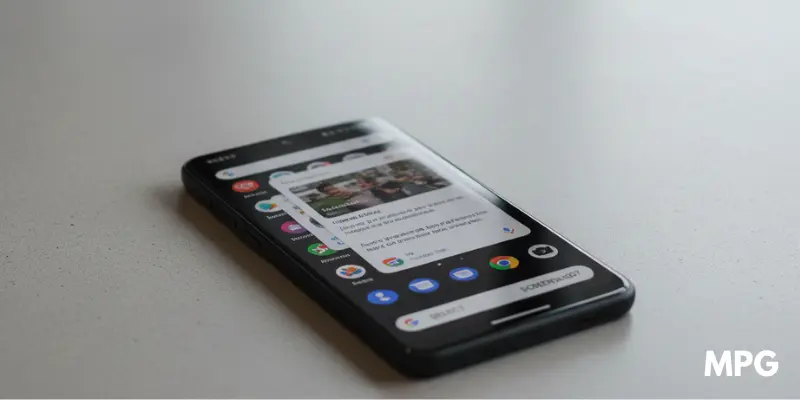
A new Pixel Recents Menu Update is changing how people select and save images on Pixel phones. Many users noticed the change after installing Android 16 QPR3. For years, Pixel devices have had a helpful tool in the Recents menu. It allowed users to select text and images from apps without opening them again. The feature was simple and fast.
Now the latest update has changed how image selection works. Some quick options are no longer available. This makes saving images slower than before. Let’s look at what changed and how it affects Pixel users.
What the Pixel Recents Menu Feature Does
The Select tool first appeared during the early testing of Android 11. Since then, it has become one of the most useful Pixel features. It allows users to select content from apps shown in the Recents screen.
With this feature, users could:
- Copy text from any recent app
- Select images without opening the app
- Save images quickly
- Share photos instantly
- Open images with Google Lens
For example, imagine you see a photo in a social media app. Instead of opening the app again, you could simply open the Recents menu and tap Select. Then you could save the image in seconds. This made multitasking much easier.
What Changed in the Pixel Recents Menu Update
The latest Pixel Recents Menu Update changes how image selection works.
Before the update, selecting an image showed quick options like:
- Copy image
- Share image
- Save image
- Open with Google Lens
Now things work differently.
After the update, when you tap an image, the phone opens the Share menu automatically. The quick Save Image option is no longer available in the Recents menu. This means users now need extra steps to save a photo. For many people, this feels slower and less convenient.
How to Save Images After the Update
Even though the quick save option is gone, users can still save images using the Share menu.
Follow these steps:
- Open the Recents screen on your Pixel phone
- Tap the Select button
- Tap the image you want
- The Share menu will open
- Choose one of these options:
- Upload to Google Photos
- Save using Files by Google
- Upload to Google Photos
These methods still work, but they are not as quick as the old system. For users who save images often, this change can feel frustrating.
Why Google Might Have Made This Change
Google has not clearly explained this update yet. Some experts think the company wants users to rely more on Circle to Search. This feature helps people search for images directly from the screen. Because of this, the old Google Lens shortcut in the Recents menu may not be needed anymore. Still, removing the fast Save Image option surprised many Pixel users.
Small Change in Text Selection
The update may also affect how users select text. Some users report that they must tap Select before highlighting text. In the past, they could simply long-press text on the screen. However, this change does not appear on every Pixel device yet. Some phones still allow the old method. So Google may still be testing this behavior.
Final Thoughts
The Pixel Recents Menu Update has changed a small but useful feature on Pixel phones. Users can still select images, but saving them now takes more steps. For people who often save pictures from apps, the change may feel like a downgrade.
Have you noticed the Pixel Recents Menu Update on your phone? Do you prefer the old quick save option?






- Be Respectful
- Stay Relevant
- Stay Positive
- True Feedback
- Encourage Discussion
- Avoid Spamming
- No Fake News
- Don't Copy-Paste
- No Personal Attacks
- Be Respectful
- Stay Relevant
- Stay Positive
- True Feedback
- Encourage Discussion
- Avoid Spamming
- No Fake News
- Don't Copy-Paste
- No Personal Attacks
